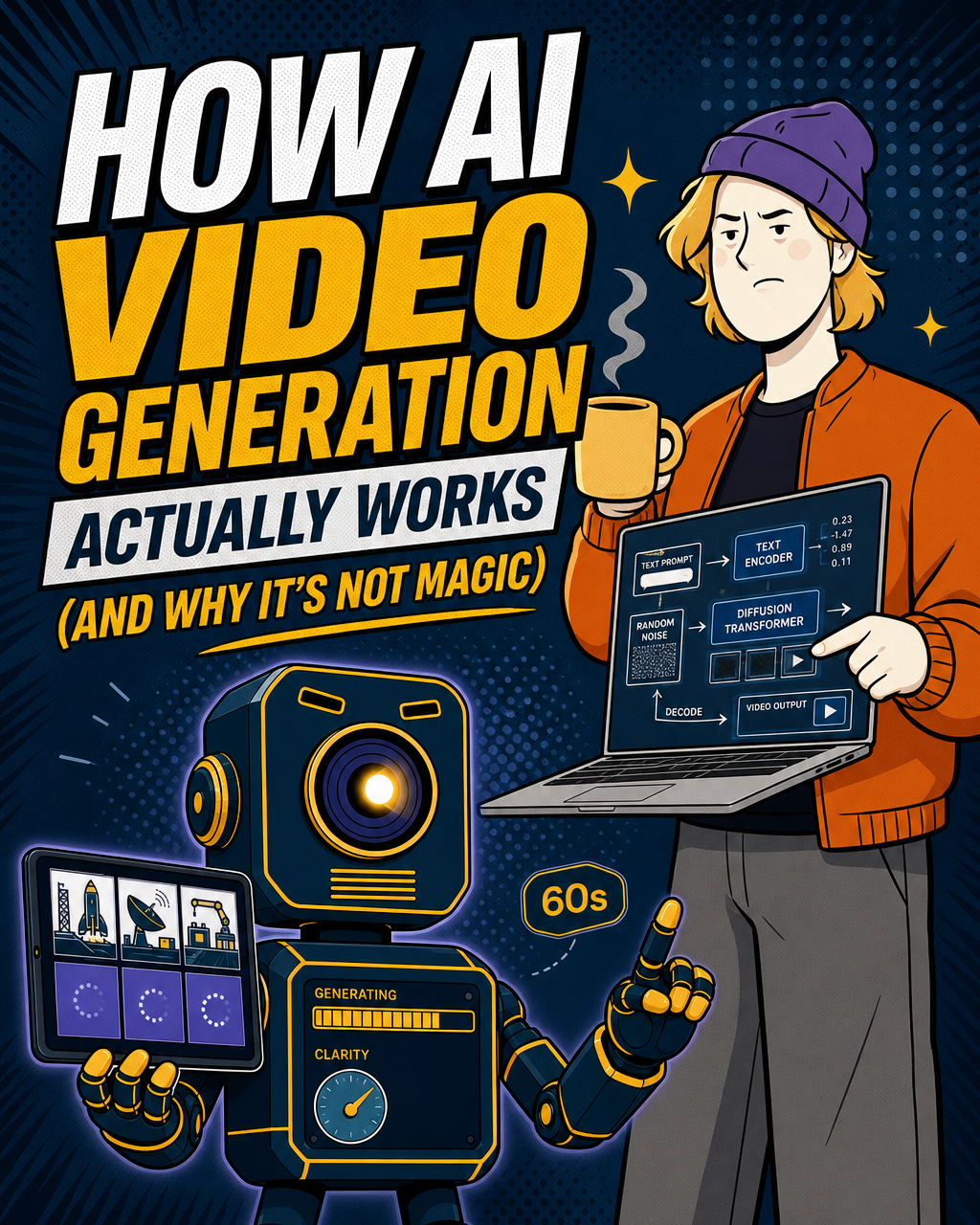
How AI Video Generation Actually Works (And Why It's Not Magic)

How AI video generation actually works (and why it's not magic)
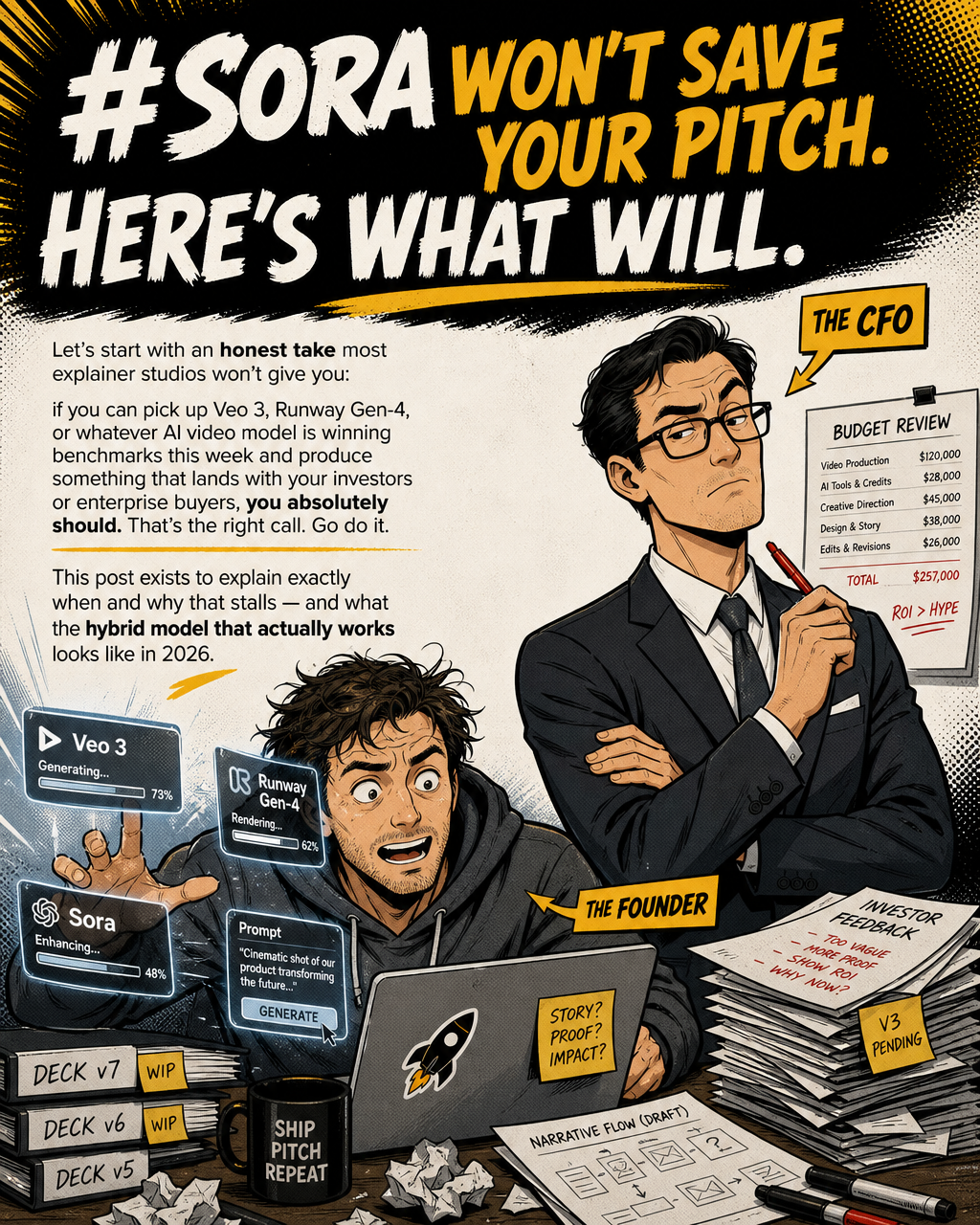
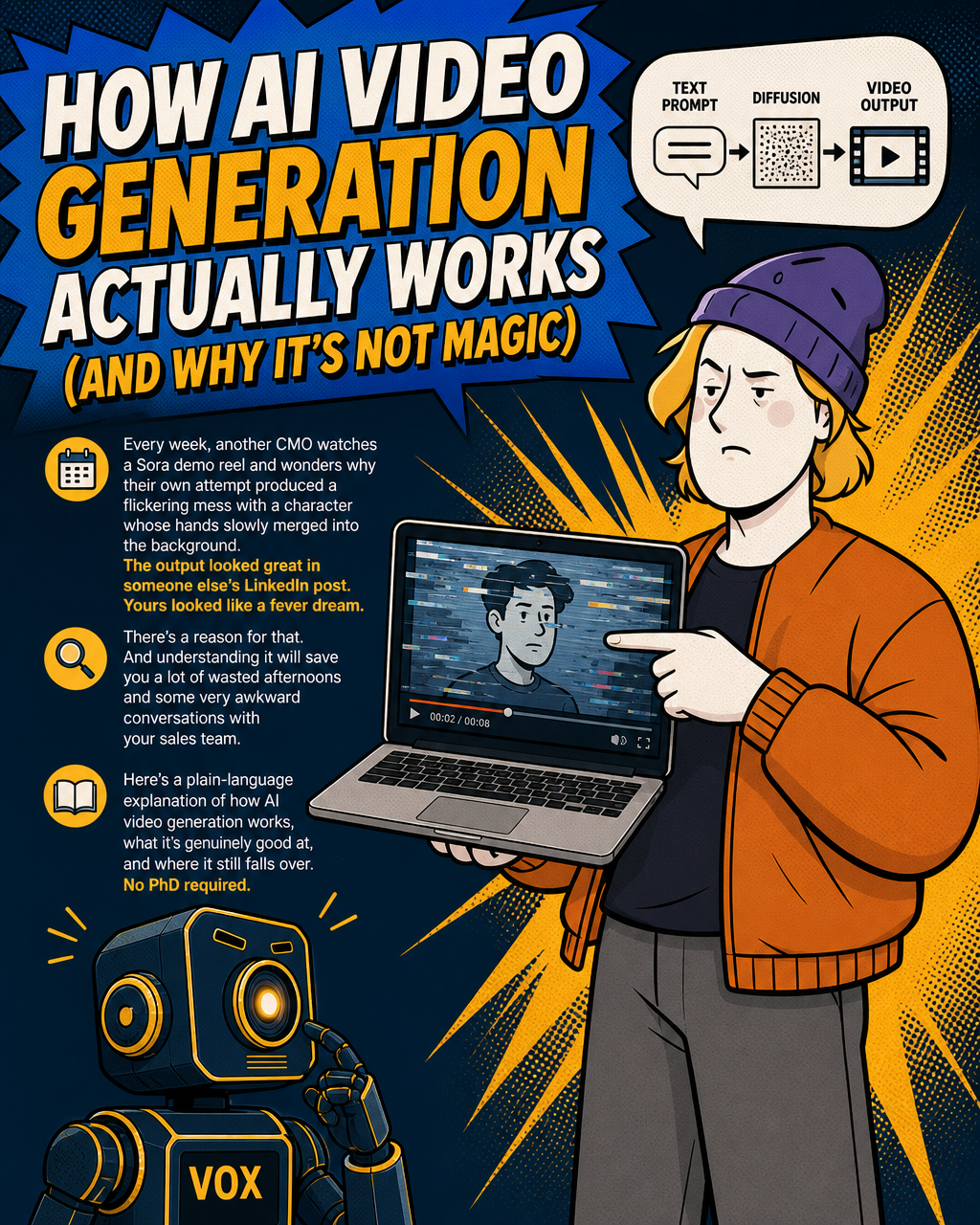
Every week, another CMO watches a Sora demo reel and wonders why their own attempt produced a flickering mess with a character whose hands slowly merged into the background. The output looked great in someone else's LinkedIn post. Yours looked like a fever dream.
There's a reason for that. And understanding it will save you a lot of wasted afternoons and some very awkward conversations with your sales team.
Here's a plain-language explanation of how AI video generation works, what it's genuinely good at, and where it still falls over. No PhD required.
Step one: the text prompt doesn't talk directly to the video
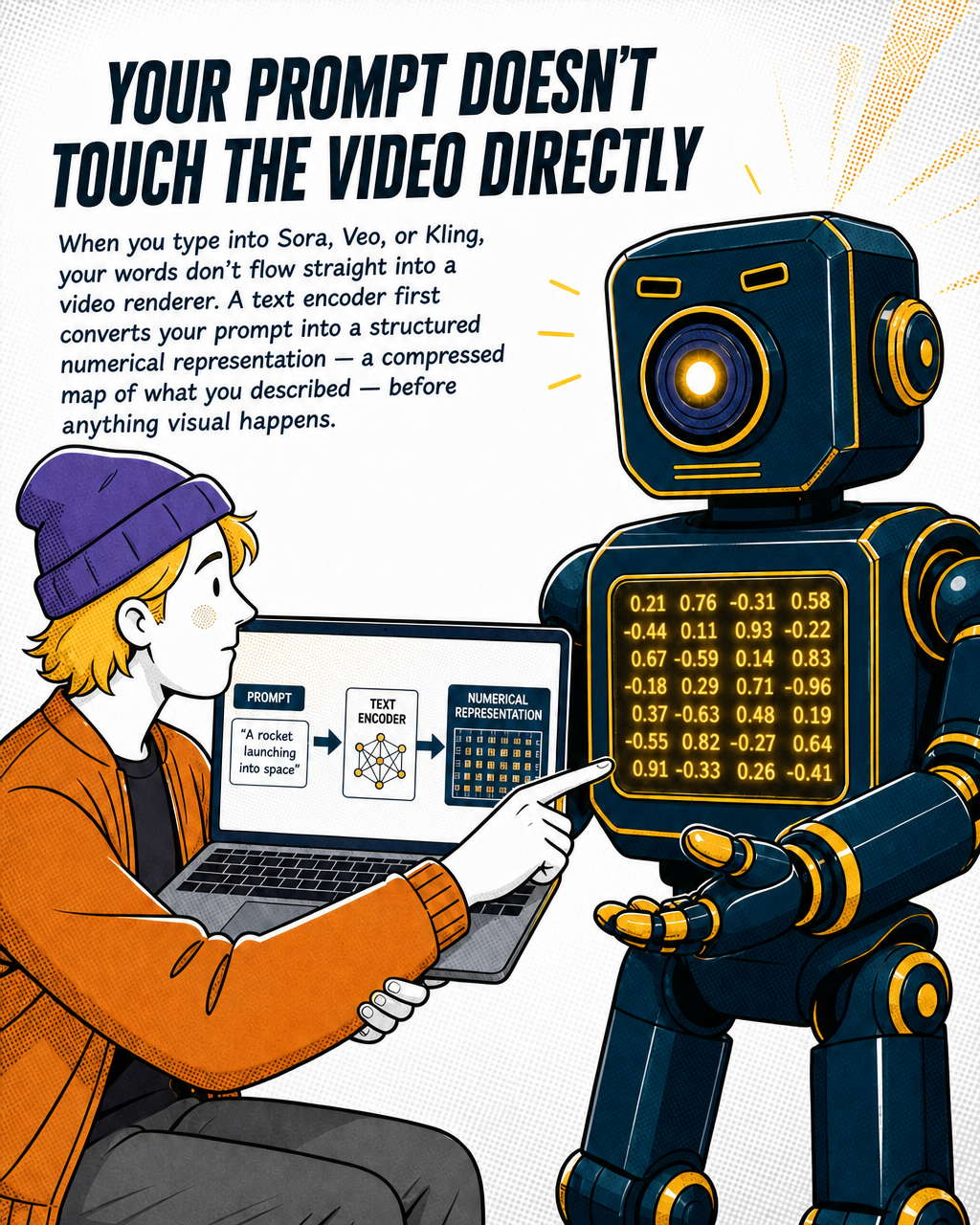
When you type a prompt into a tool like Sora, Veo, or Kling, your words don't flow straight into a video renderer. There's an intermediate step most people skip over.
First, a text encoder converts your prompt into a structured numerical representation, essentially a compressed map of what you described. That representation then gets handed to a separate model that generates the actual video.
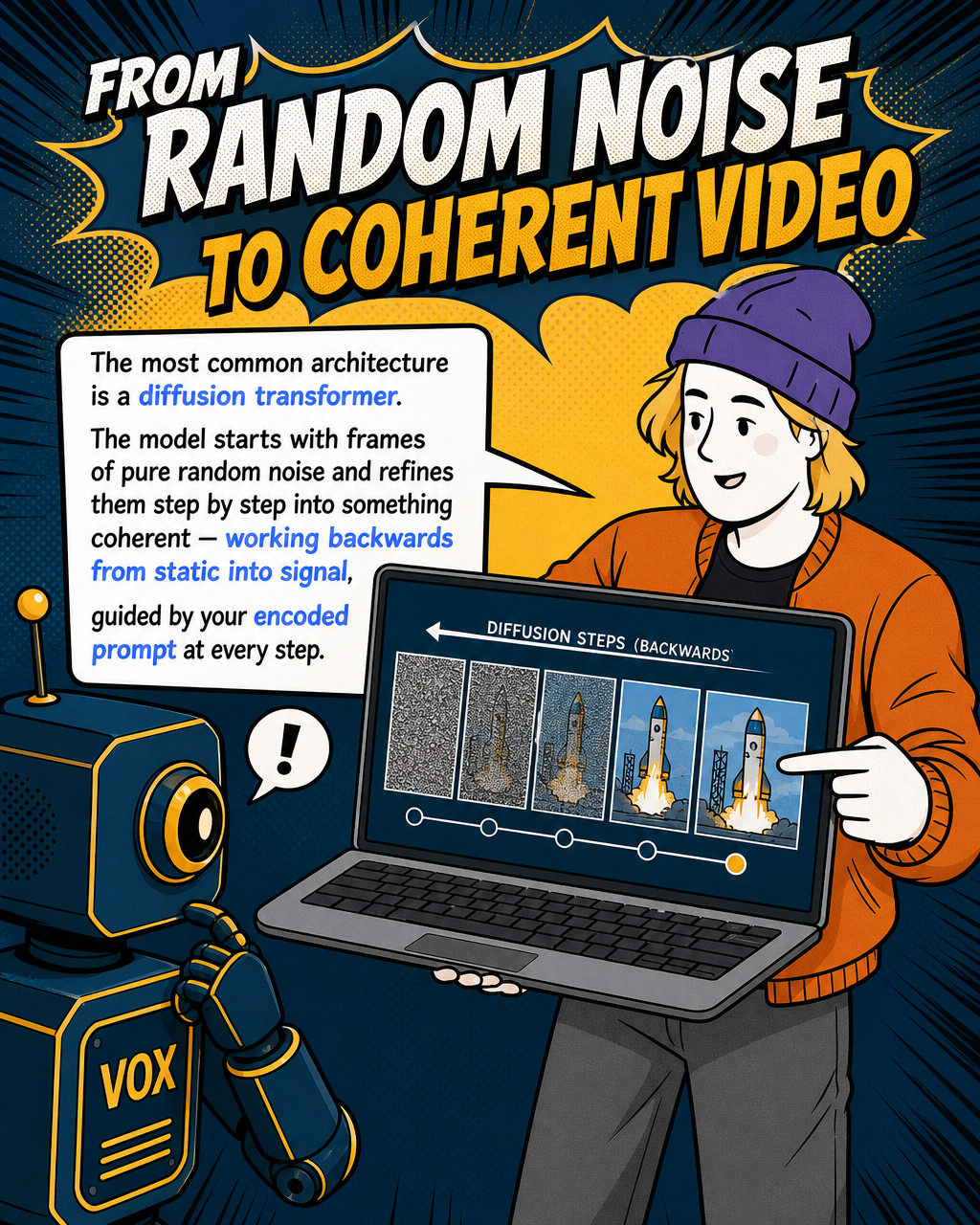
The most common architecture right now is a diffusion transformer. Think of it this way: the model starts with frames of pure random noise and progressively refines them, step by step, into something coherent. It's essentially working backwards from static into signal, guided at each step by the structured description your prompt produced.
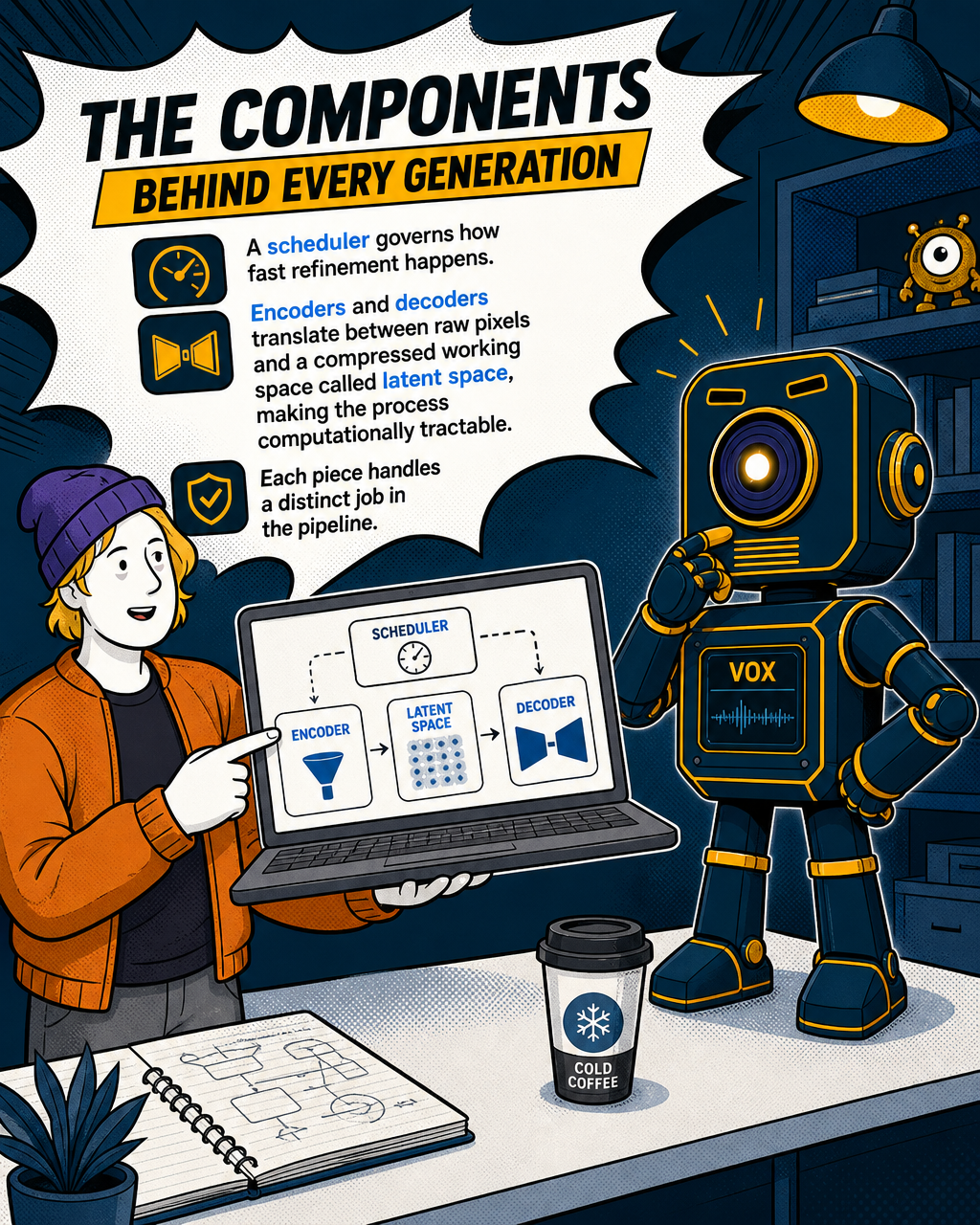
The process involves turning a text prompt into a structured representation using a text encoder, then starting from random noise and refining it step by step through a denoising network. A scheduler governs how fast that refinement happens, while encoders and decoders translate between the raw pixel world and a more compressed working space called latent space, which makes the whole process computationally tractable.
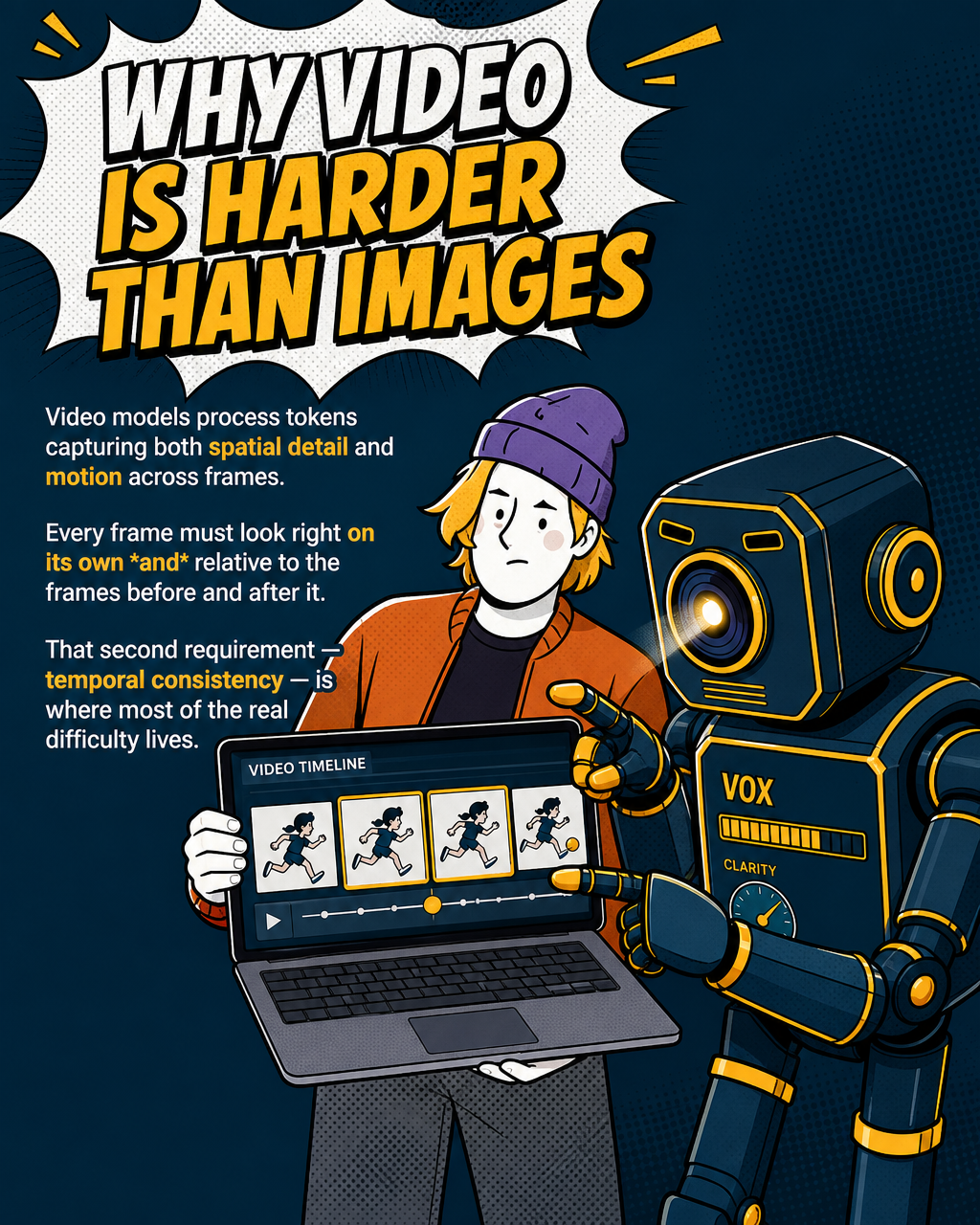
What makes video harder than images is the addition of time. Unlike image models, video models process tokens that capture both spatial detail and motion across frames. Every frame has to look right on its own and look right relative to the frame before and after it. That second requirement is where most of the difficulty lives.
The temporal consistency problem: why things flicker and morph
This is the issue you'll hear about most from anyone who has spent time trying to produce usable AI video. It has a name: temporal consistency.
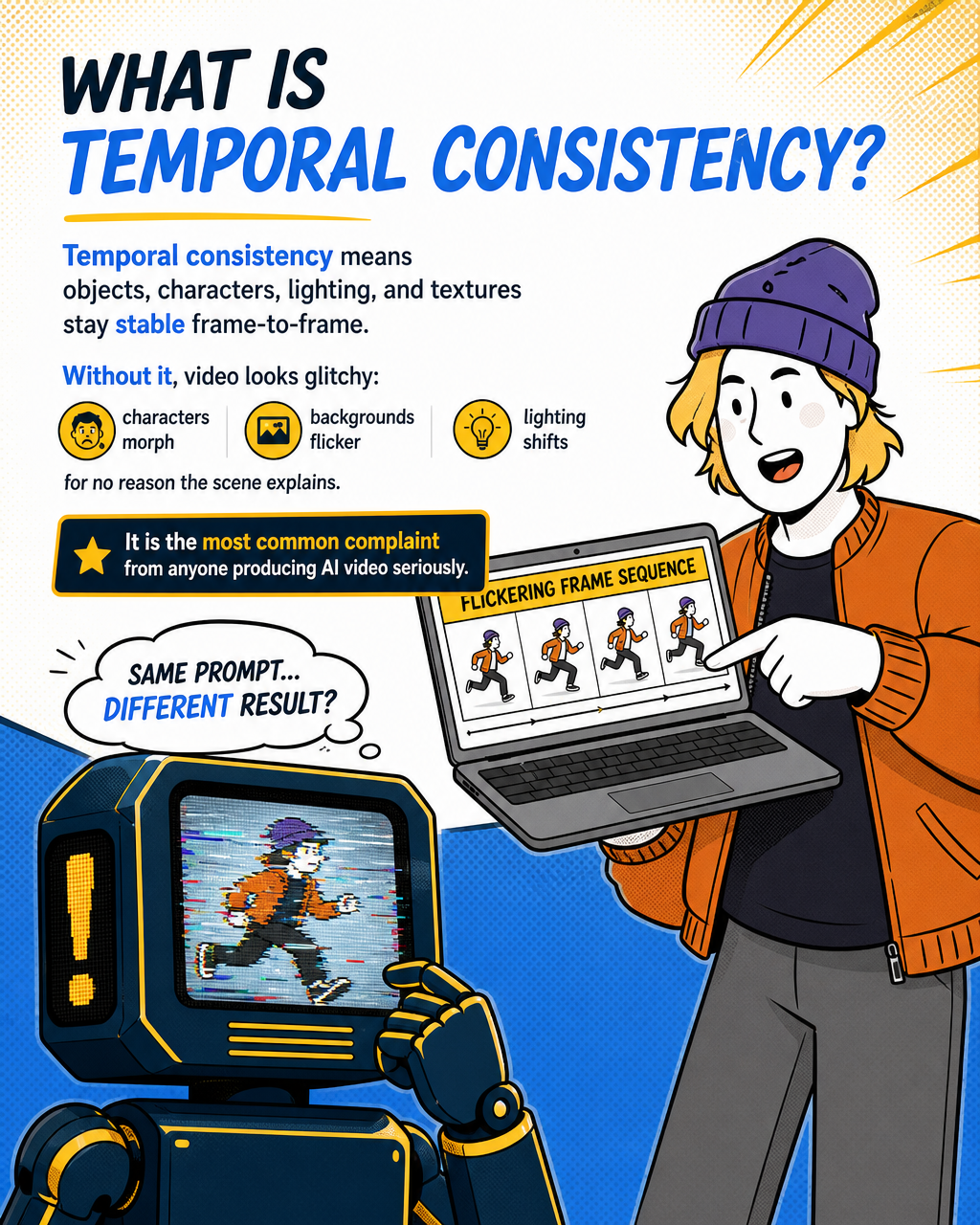
Temporal consistency refers to whether objects, characters, lighting, and textures remain stable from one frame to the next. Without it, a video looks glitchy: characters morph between frames, backgrounds flicker, and lighting shifts for no reason the scene explains.
Flickering in generated video shows up as pixels or small details that rapidly change back-and-forth, inconsistent lighting between frames, or texture details appearing and disappearing on surfaces — none of which are due to actual motion in the scene. It's a telltale sign the model has lost coherence at the frame level.
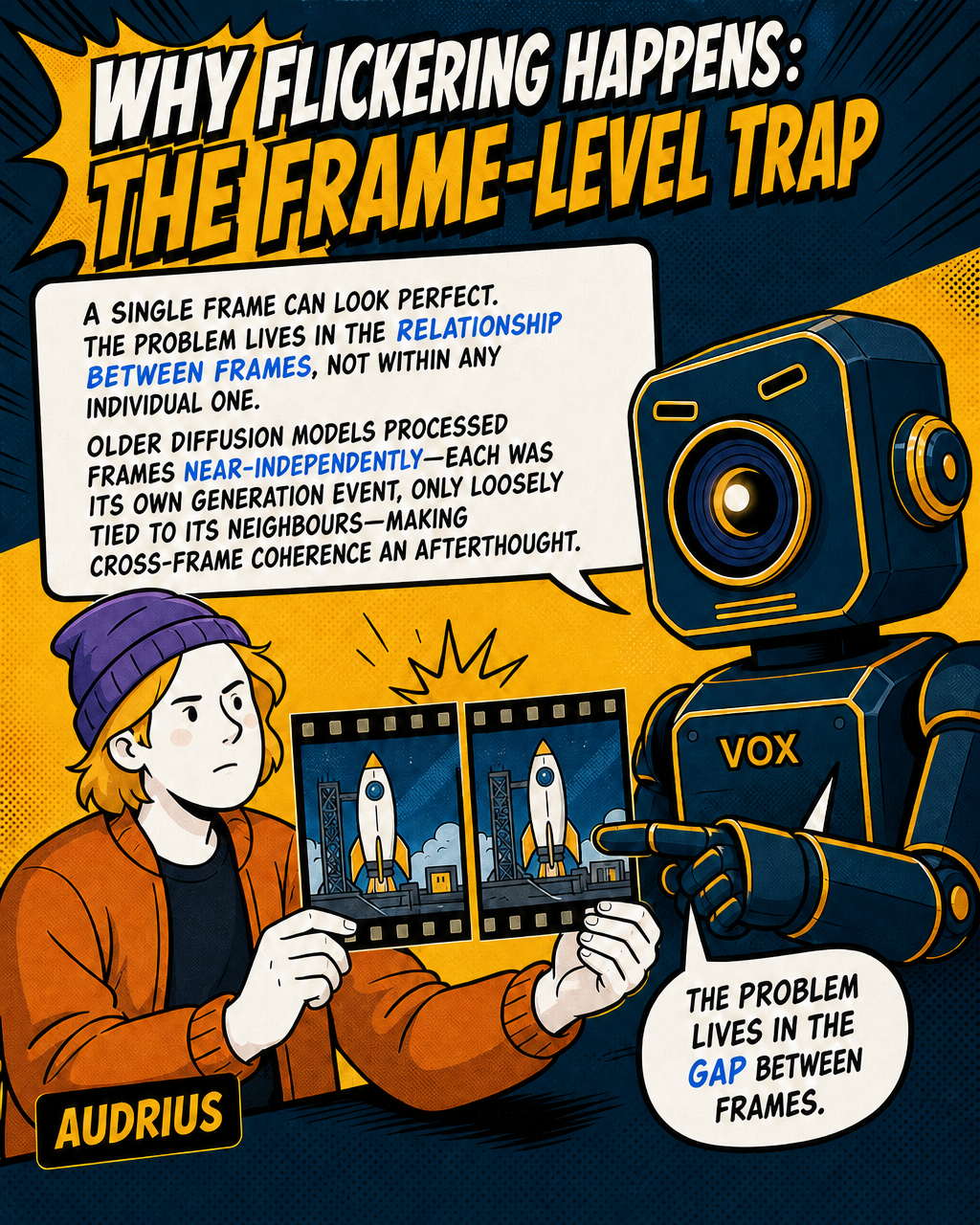
Why does it happen? Because frame-level quality doesn't guarantee cross-frame consistency. A single frame can look perfectly fine. The problem emerges in the relationship between frames, not within any individual one.
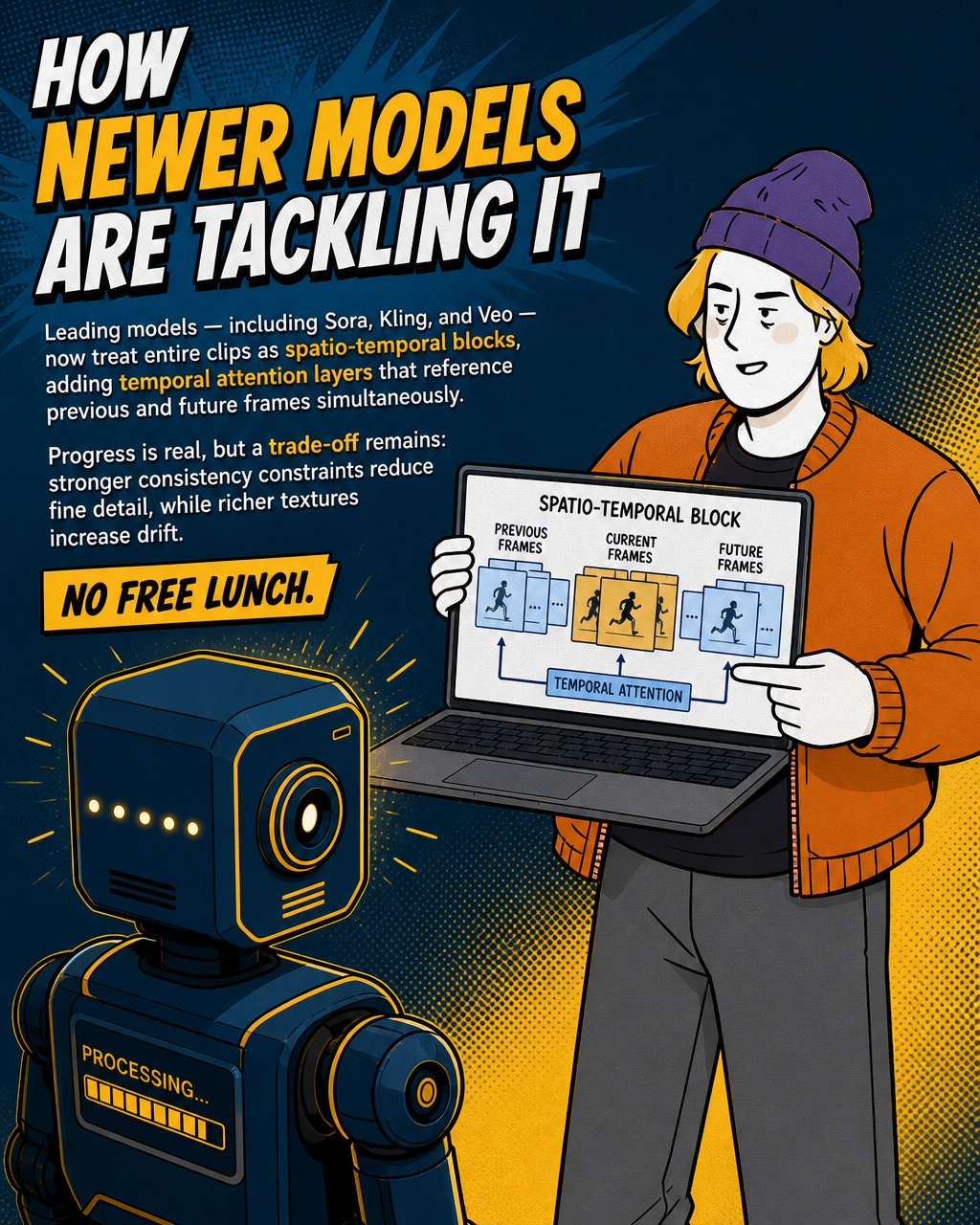
Older diffusion architectures processed frames somewhat independently, meaning each frame was essentially its own generation event, only loosely connected to its neighbours. Newer models have moved toward treating the entire video clip as a single spatio-temporal block, adding temporal attention layers that let the model reference previous and future frames simultaneously. The latest versions of the leading models — including Sora, Kling, and Veo — have made significant progress here, though capabilities and version names continue to evolve rapidly and should be verified against each provider's current documentation.
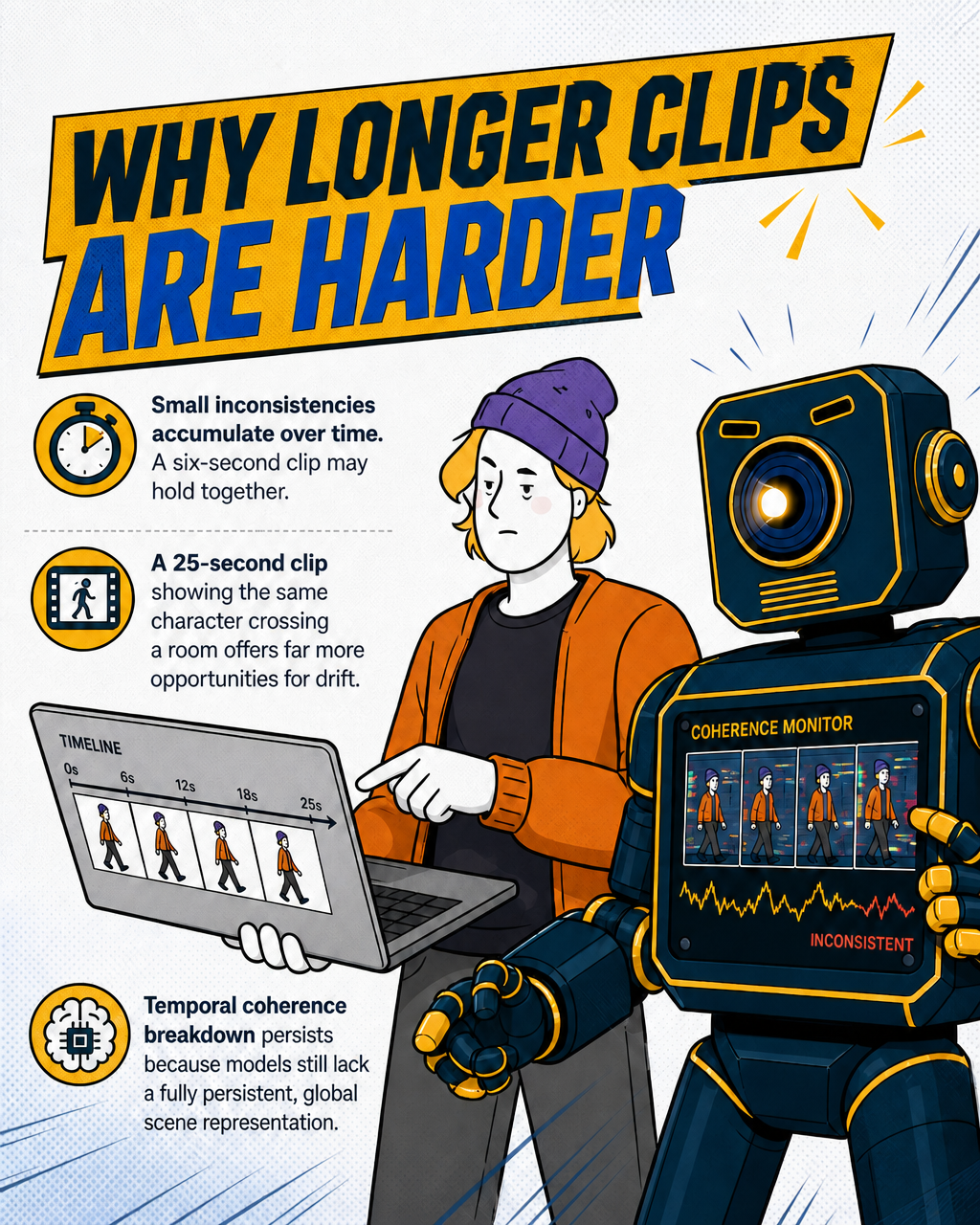
But there's a structural trade-off. Stronger temporal constraints (enforcing consistency across frames) tend to reduce fine detail and texture variation. More visual richness in individual frames tends to increase drift and flicker over time. There's no free lunch. Temporal coherence breakdown persists across video models because it reflects the current limits of generating time-based behaviour without a fully persistent, global representation of the scene.
For longer clips, this gets worse. Small inconsistencies accumulate over time. A six-second clip might hold together. A 25-second clip showing the same character across a room involves far more opportunities for drift.
Audio, lip-sync, and motion: separate models, compounding errors
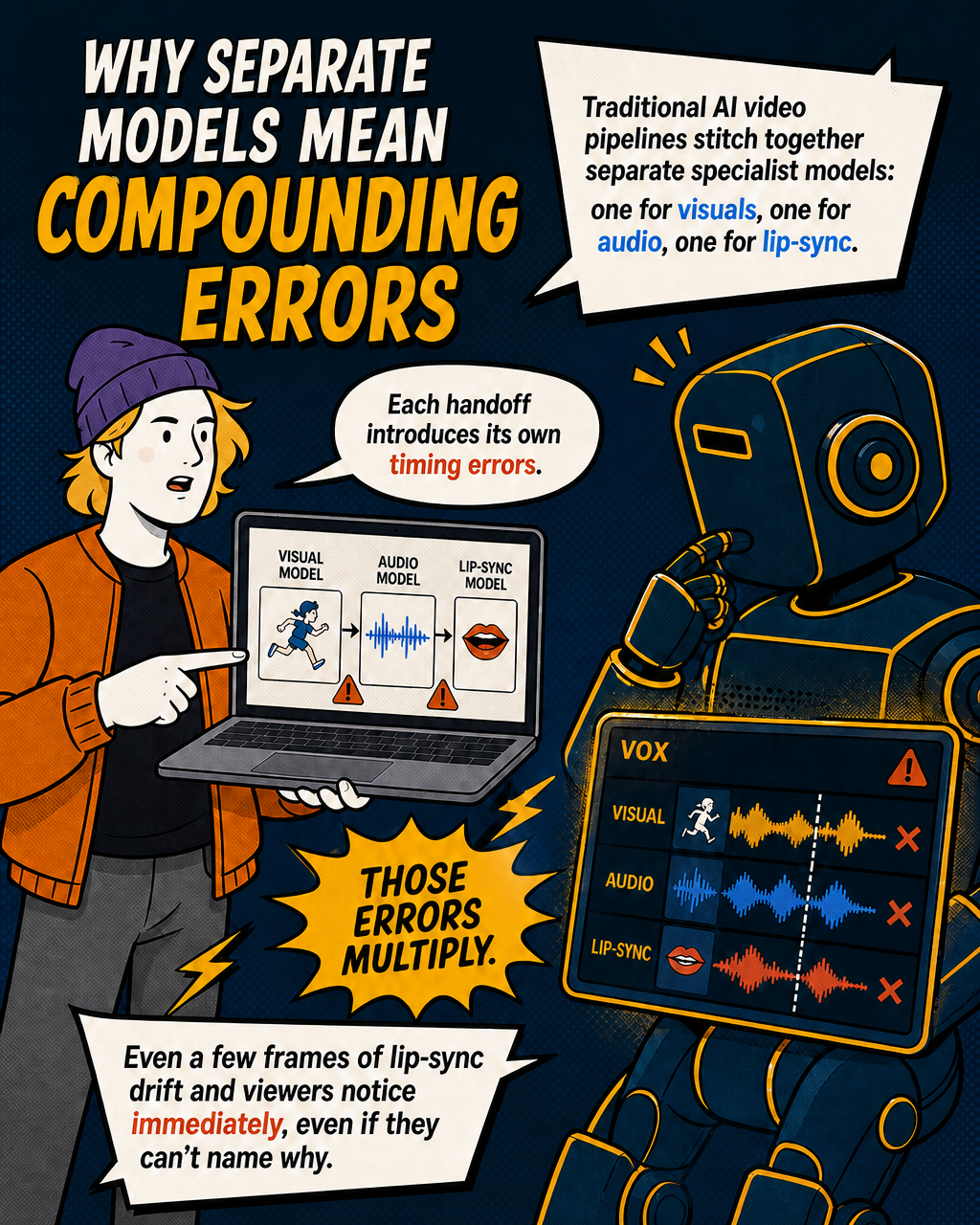
Here's something most people don't realise. When a video has dialogue, sound effects, and moving lips that are supposed to sync to speech, those elements are often generated by separate specialist models that are then stitched together. Each model introduces its own margin of error. Those errors multiply.
The traditional pipeline worked roughly like this: generate the video visuals first, generate the audio (via a voice model like ElevenLabs), then run a lip-sync model to drive the character's mouth movements from the audio waveform. Each handoff point is a place where timing can slip. And if the lip-sync is off by even a few frames, viewers notice immediately, even if they can't name why.
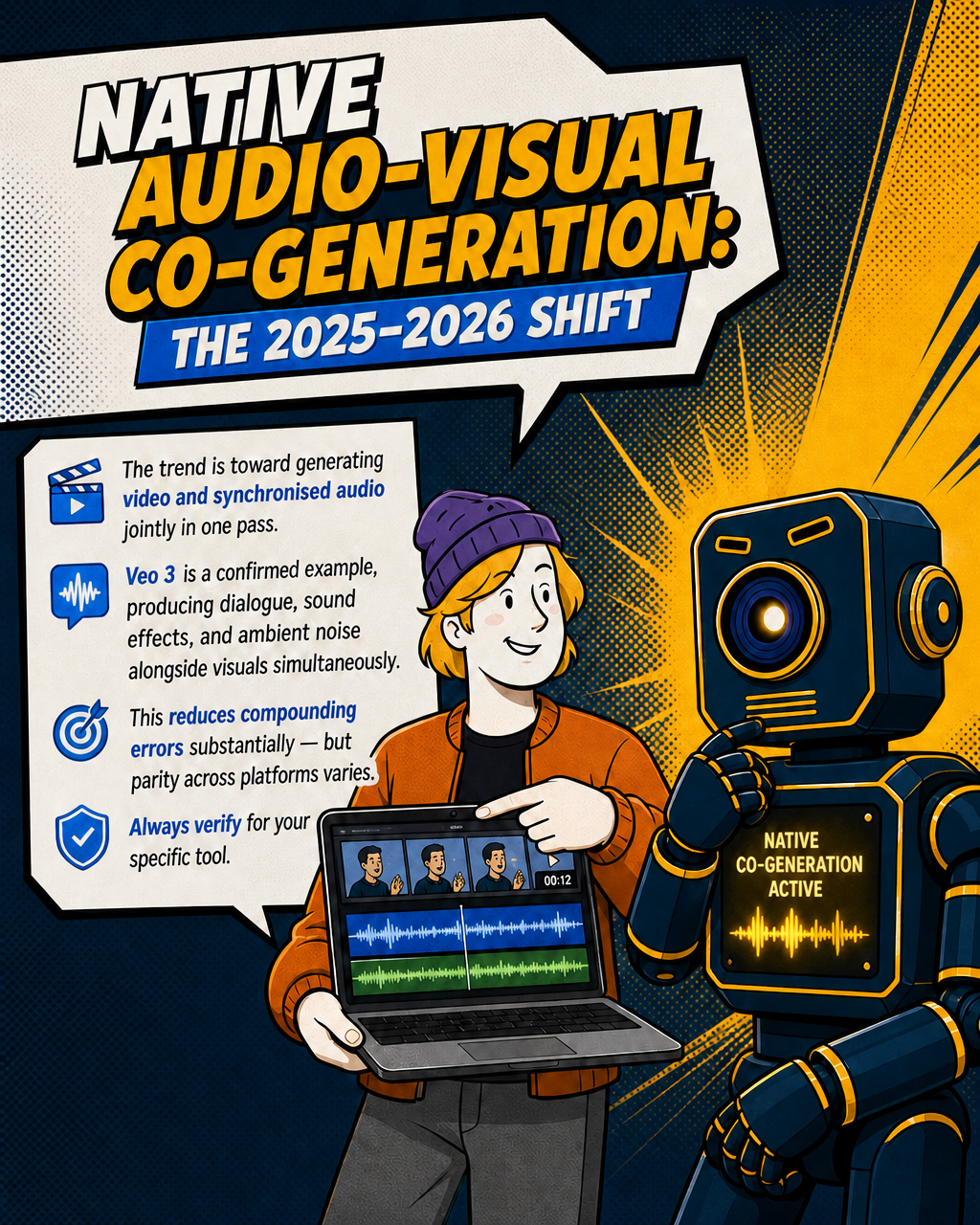
The trend in 2025-2026 has been toward native audio-visual co-generation, where video and synchronised audio are produced jointly within a single generation pass rather than through sequential pipelines. Some models — Veo 3 being a confirmed example, with Google announcing native audio generation capabilities alongside its release — are moving in this direction, producing synchronised dialogue, sound effects, and ambient noise alongside the visual content in one pass. That reduces the compounding error problem substantially, though the degree of parity between different platforms varies and is worth verifying for any specific tool you're evaluating.
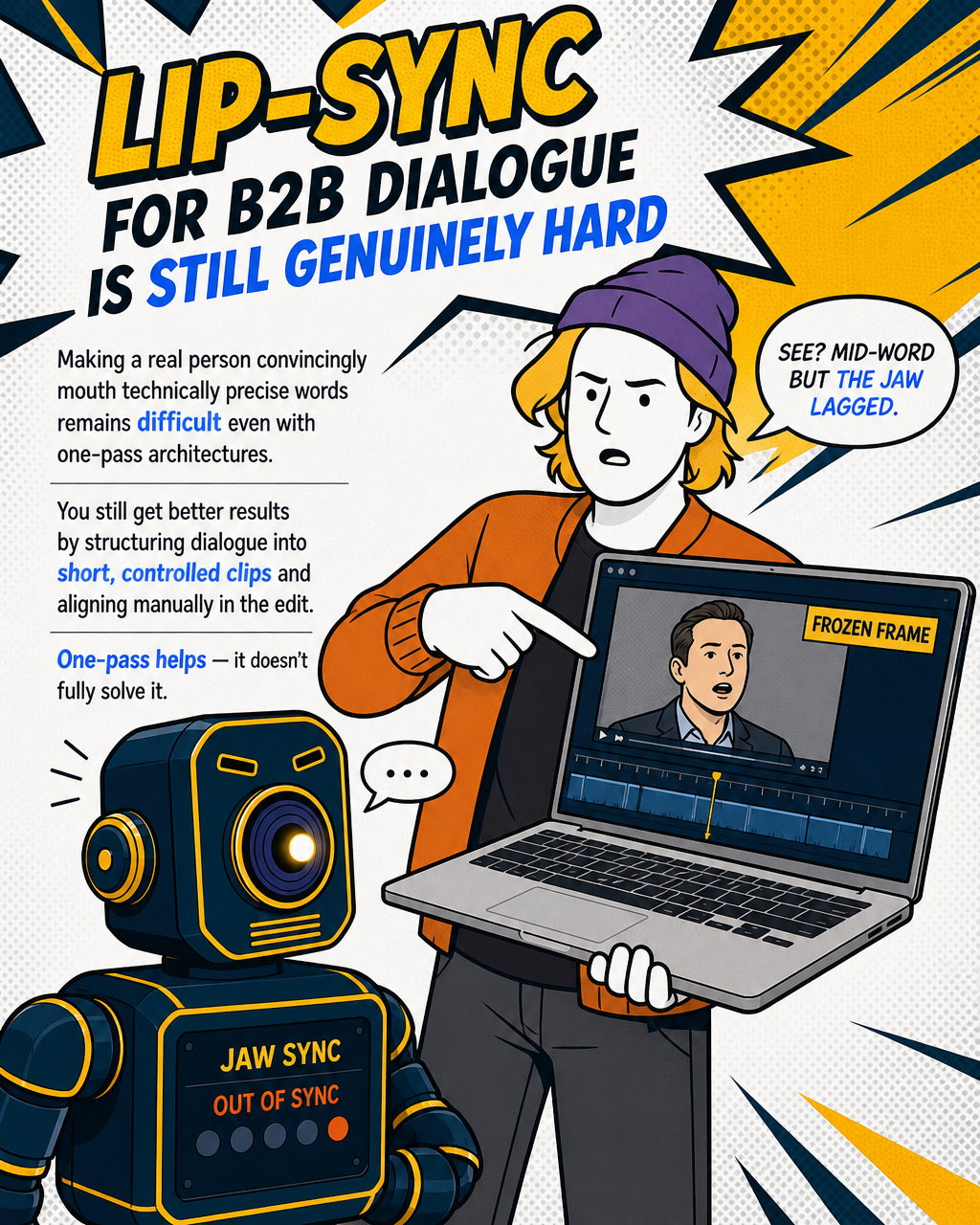
But lip-sync at the fidelity required for a credible B2B explainer video, where a real person needs to look like they're actually saying specific words, remains genuinely hard. You still get better results by structuring dialogue into controlled, short clips and aligning manually in the edit. The "one-pass" architecture helps, but it doesn't fully solve the problem of generating a character who says something technically precise while their mouth movements remain convincing throughout.
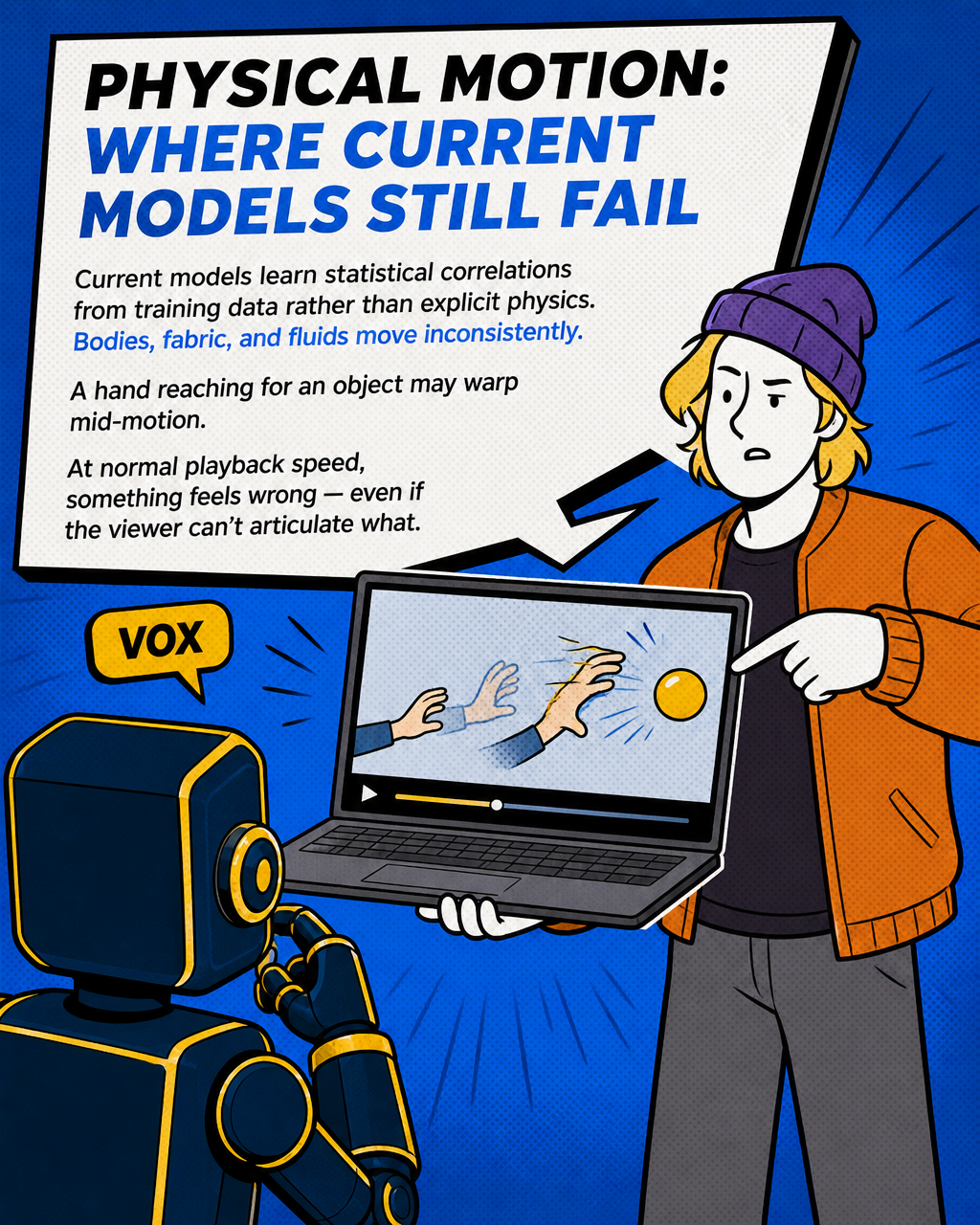
For motion more broadly, physical dynamics still trip current models up. How bodies, fabric, or fluids move don't consistently align with real-world physics. Current models are generally understood to learn statistical correlations from training data rather than explicitly modelling physical principles, which contributes to these inconsistencies — though the degree to which large models implicitly encode physical priors remains an active area of research. A character reaching for an object might have hand geometry that subtly warps mid-motion. You might not notice it at half speed. At normal playback, something feels wrong, even if the viewer can't name it.
The training data problem: your output is a statistical average of the web
This is the one that matters most for anyone trying to produce something accurate and on-brand.
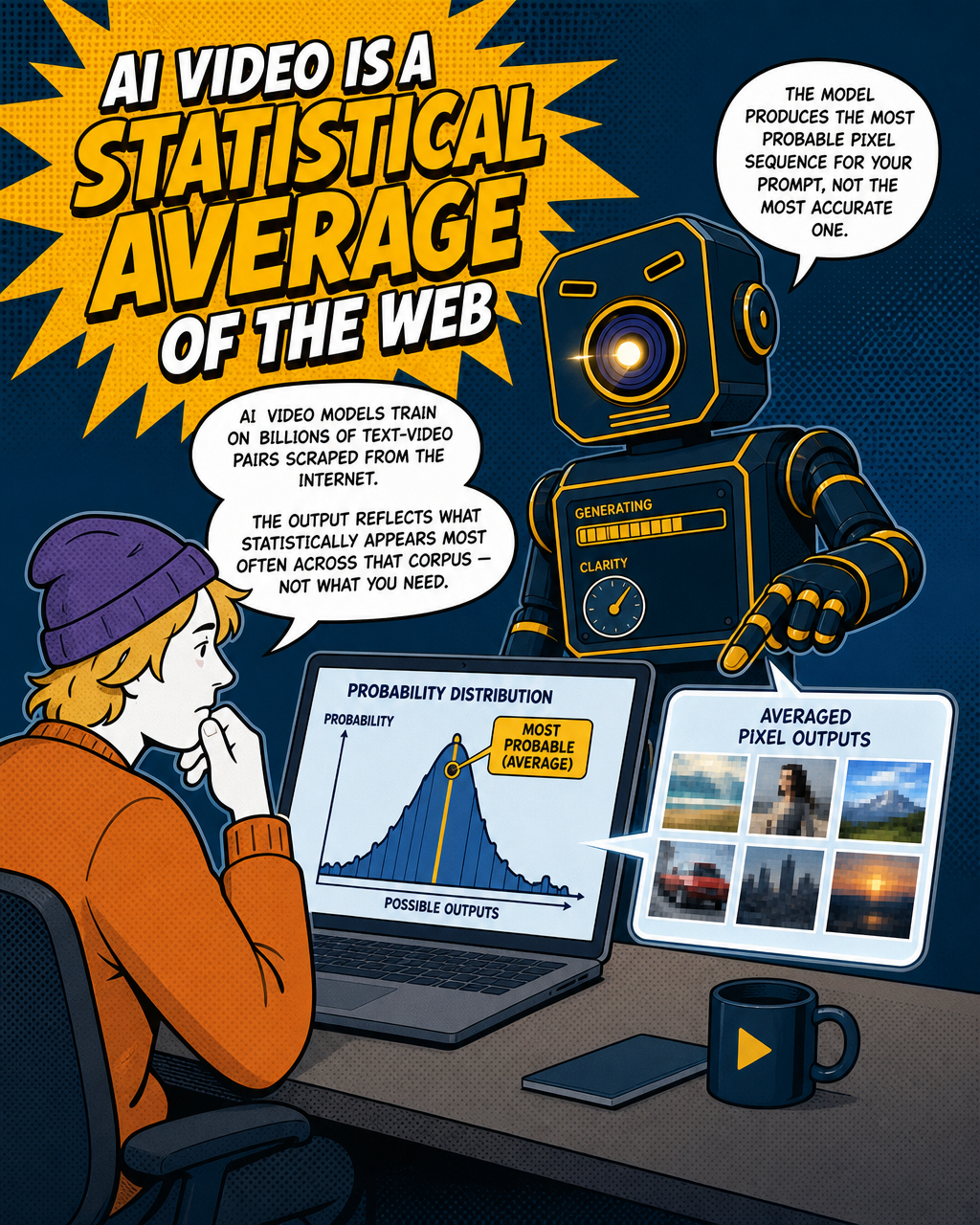
AI video models are trained on massive datasets, billions of pairings of text and video scraped from the internet. That training process means the model has learned to produce output that statistically reflects how things tend to look across that training corpus, not what you specifically need to communicate.
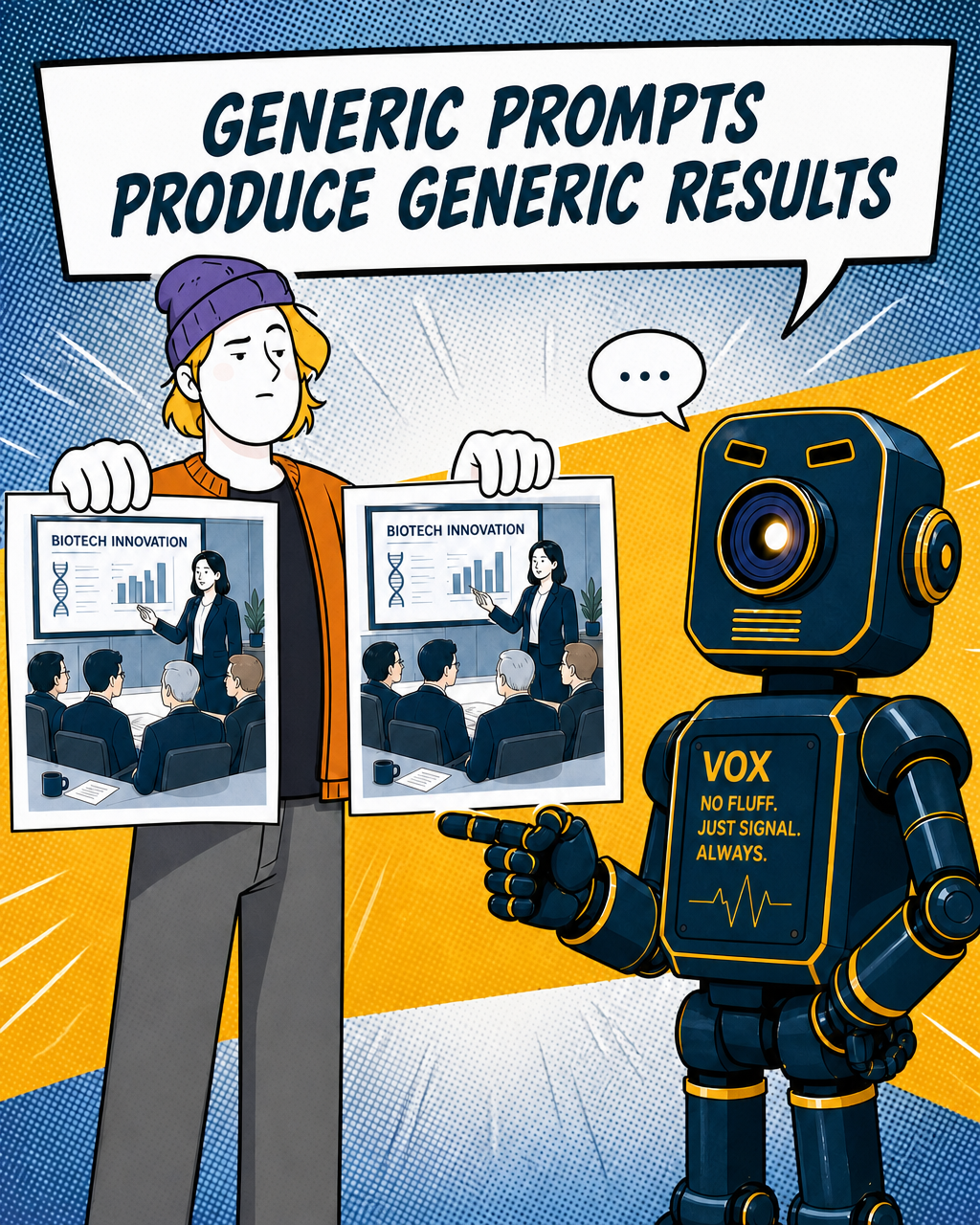
When you prompt a model for "a biotech startup founder pitching to investors," you get the statistical average of how that scene appears in web video. Generic office, generic facial expression, generic hand gestures. The model isn't making creative decisions. It's producing the most probable pixel sequence given your prompt, based on everything it's ever seen.
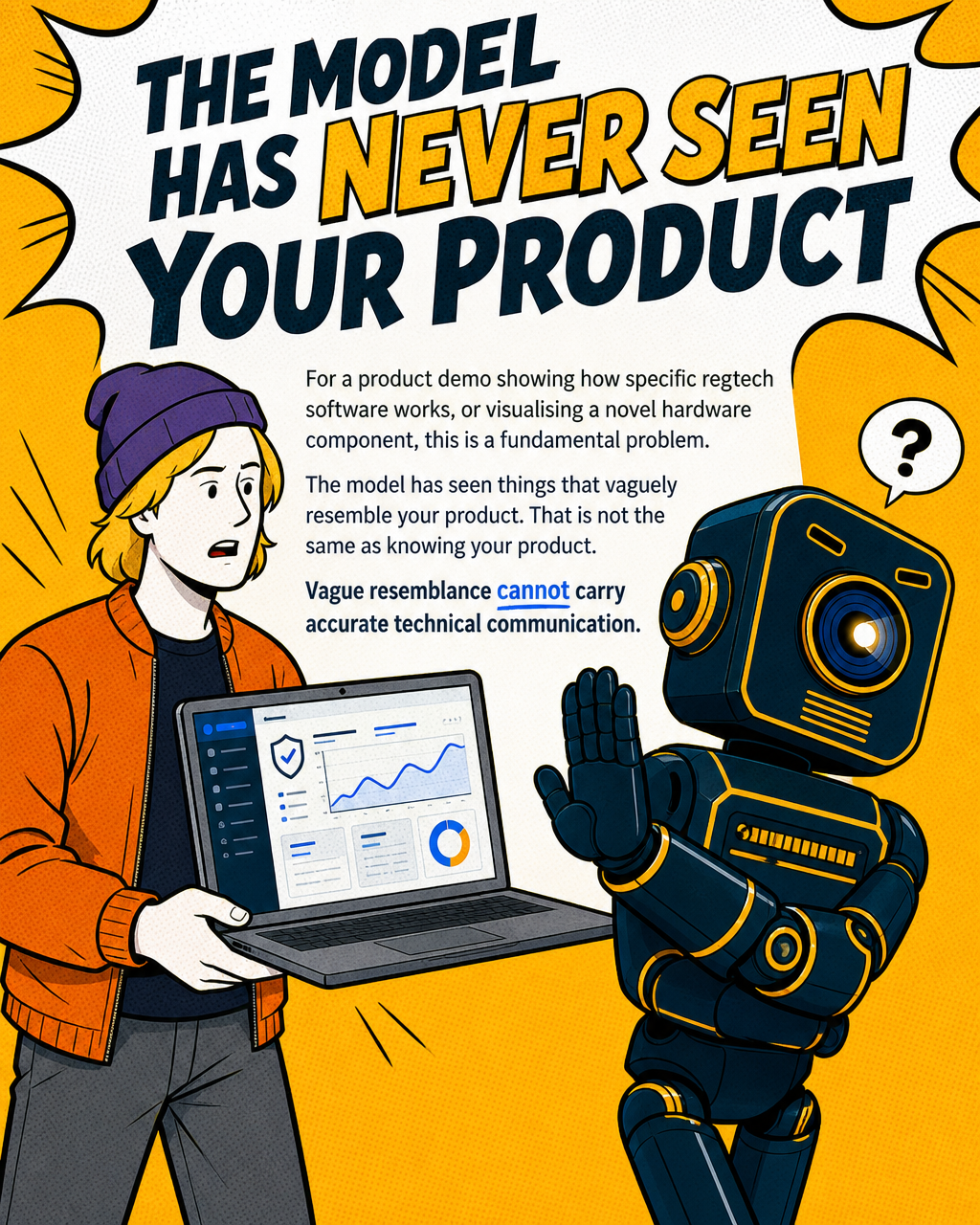
For a product demo that needs to accurately represent how a specific piece of regtech software works, or correctly visualise a novel hardware component, that's a fundamental problem. The model has never seen your product. It has seen a lot of things that look vaguely like your product. That's not the same thing.
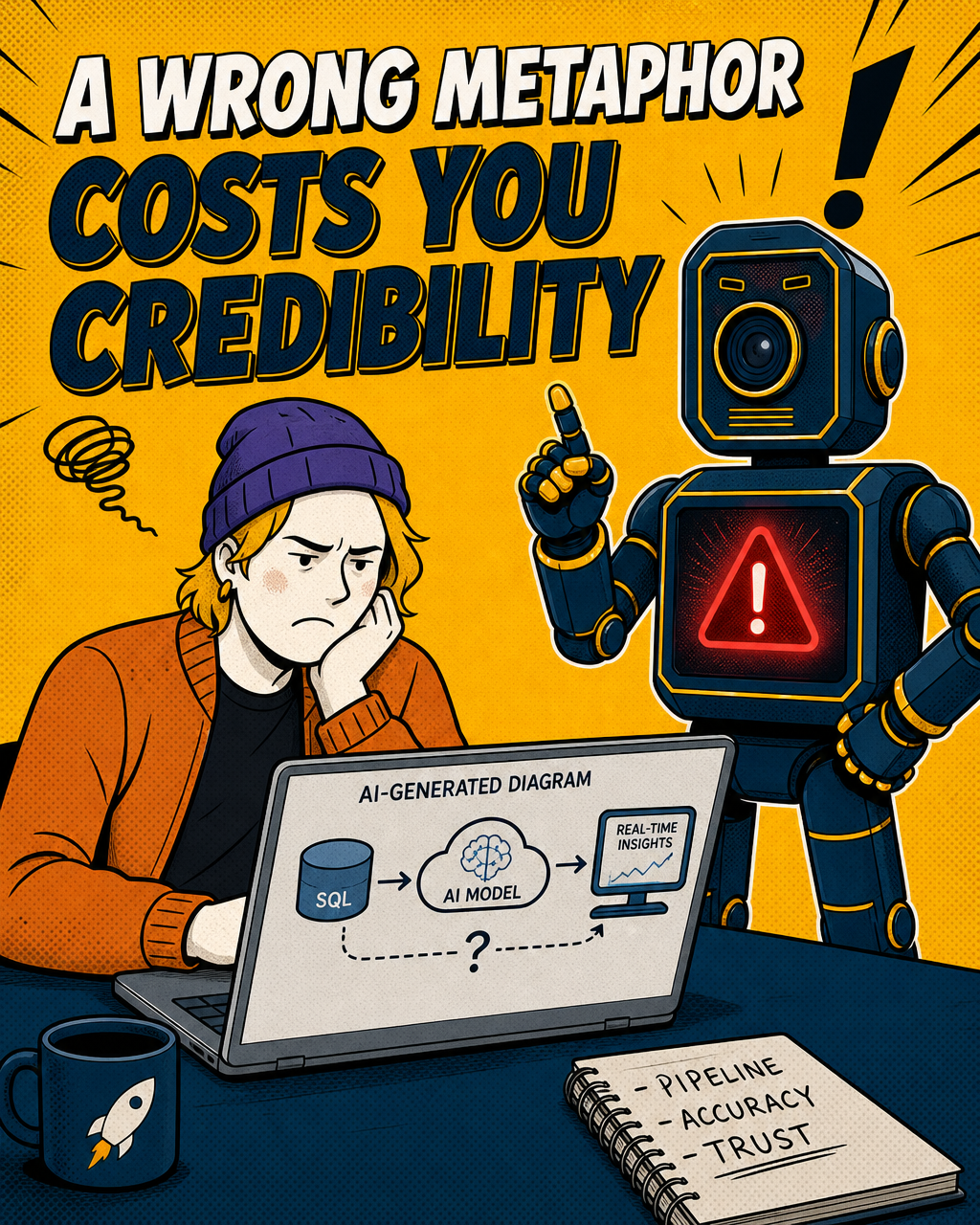
A wrong technical metaphor in an explainer video risks undermining credibility with investors or enterprise buyers who notice the inaccuracy. Raw AI output doesn't have a mechanism to prevent that. It produces what looks right across the average of its training data, not what's correct about your specific solution.
Multi-shot narrative: the memory problem
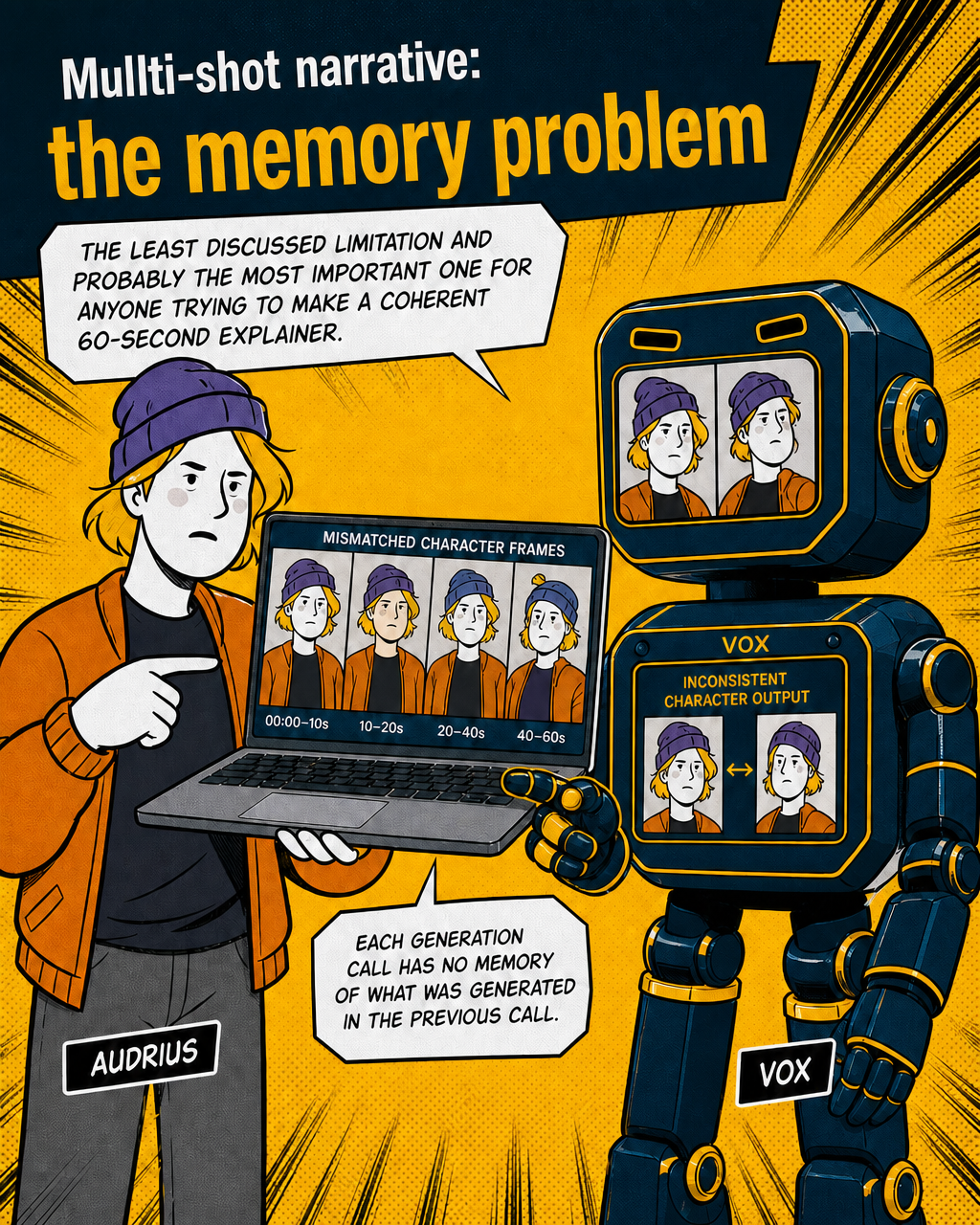
This is the least discussed limitation and probably the most important one for anyone trying to make a coherent 60-second explainer.
Generation lengths currently vary significantly by model and continue to increase — ranging from a few seconds to over a minute depending on the platform — though shorter clips generally maintain better consistency. A 60-second explainer video typically requires multiple clips stitched together. But each generation call has no memory of what was generated in the previous call.
The character who appeared in shot one, with a specific face, specific clothing, specific body language, has to be manually re-established in the prompt for shot two. If the prompts aren't precisely calibrated, the character drifts. The visual treatment drifts. The tonal feel of the scenes drifts. You end up with something that looks like several different videos edited together, because that's literally what it is.
Maintaining narrative logic across shots, the cause-and-effect progression that makes a viewer follow a story, requires either extremely precise prompt engineering for every shot, or reference-image conditioning (providing a still frame as an anchor for the next generation). Even then, character consistency across a full sequence remains one of the hardest practical problems in production. Some current tools have introduced reference image conditioning specifically to address this, but it adds significant production overhead.
This is why most "made with AI" explainer content you see on LinkedIn is either a single dramatic clip with no narrative arc, or a montage of loosely related visuals with a voiceover doing all the storytelling work. The visuals aren't actually carrying the narrative. They're decorating it.
What this means in practice
None of this means AI video tools aren't useful. They are, and the pace of improvement from 2024 to mid-2026 has been significant — particularly in motion quality, scene composition, and prompt adherence. But there are honest usability limits worth naming:
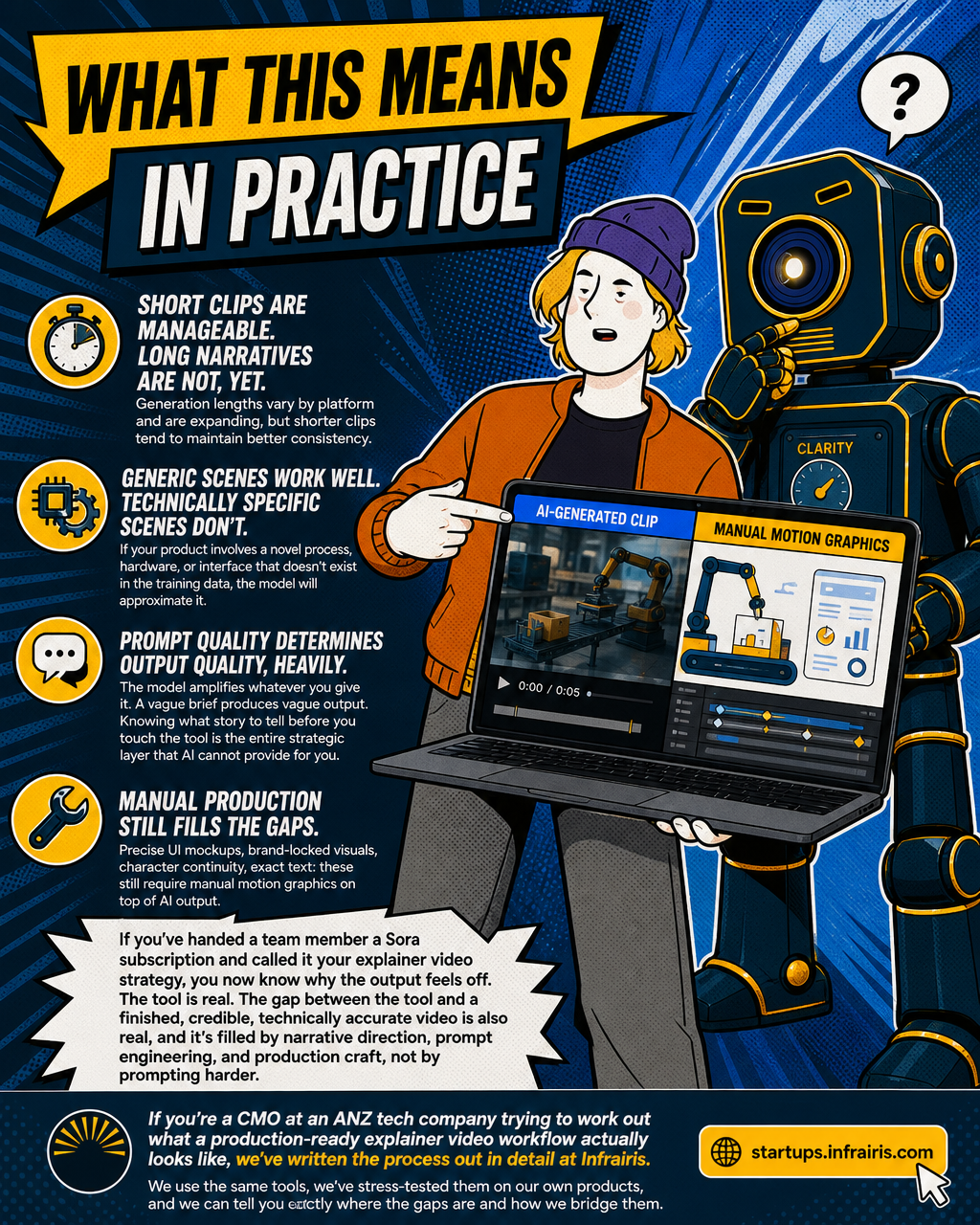
Short clips are manageable. Long narratives are not, yet. Generation lengths vary by platform and are expanding, but shorter clips tend to maintain better consistency. A full 60-second explainer always requires multi-shot production with all the continuity challenges that brings.
Generic scenes work well. Technically specific scenes don't. If your product involves a novel process, hardware, or interface that doesn't exist in the training data, the model will approximate it from what it has seen. That approximation may or may not be accurate enough to matter. For a B2B tech company, it often isn't.
Prompt quality determines output quality, heavily. The model amplifies whatever you give it. A vague brief produces vague output. Knowing what story to tell before you touch the tool is the entire strategic layer that AI cannot provide for you.
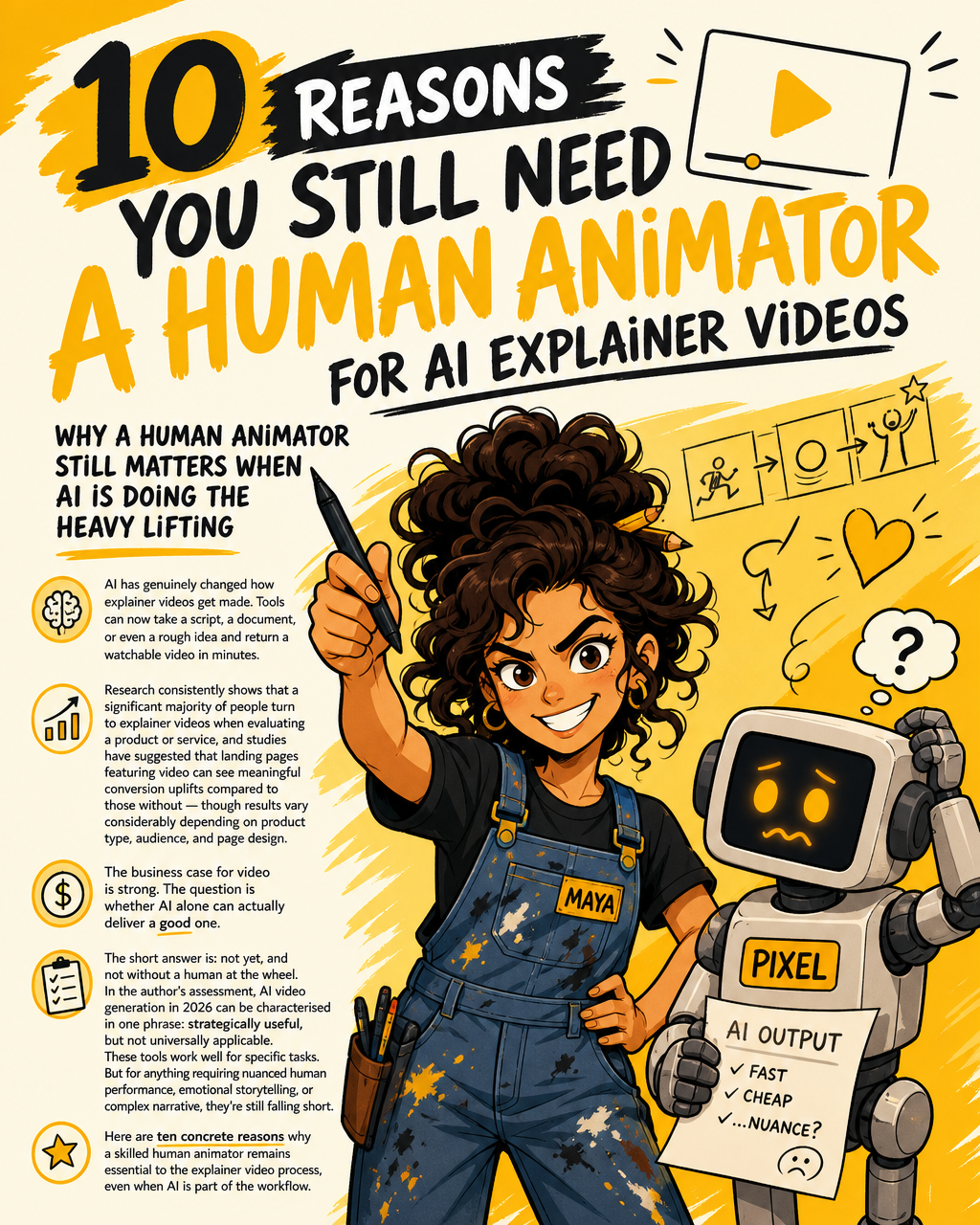
Manual production still fills the gaps. Precise UI mockups, brand-locked visuals, character continuity across a sequence, anything with text that needs to be exactly right, these still require manual motion graphics on top of AI output. The production teams getting good results in 2026 are combining AI generation with manual augmentation, not replacing one with the other entirely.
If you've handed a team member a Sora subscription and called it your explainer video strategy, you now know why the output feels off. The tool is real. The gap between the tool and a finished, credible, technically accurate video is also real, and it's filled by narrative direction, prompt engineering, and production craft, not by prompting harder.
If you're a CMO at a tech company trying to work out what a production-ready explainer video workflow actually looks like, we've written the process out in detail at Infrairis. We use the same tools, we've stress-tested them on our own products, and we can tell you exactly where the gaps are and how we bridge them.

Infrairis
Your complex product. In 60 seconds. Clearly.
Your complex product. In 60 seconds. Clearly.
Learn more about Infrairis and get started today.
Visit Infrairis